

Free public Wi-Fi has become part of everyday life. Airports, cafés, hotels, malls, and even trains offer instant internet access with little to no effort. While it feels convenient, most people never stop to ask an important question:
How safe is public Wi-Fi, really?
The truth is, public Wi-Fi is one of the easiest environments for cybercriminals to exploit. To understand why, you need to look at what’s actually happening behind the scenes when you connect.
What Really Happens When You Join Public Wi-Fi
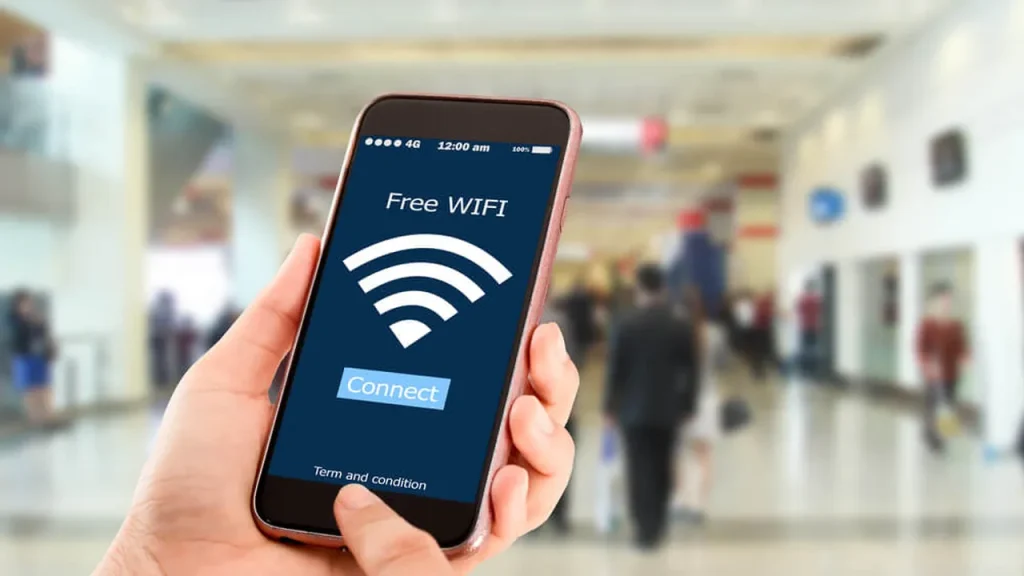
When you connect to a public Wi-Fi network, your device joins a shared system controlled by a router you don’t own and can’t verify. That router may be connected to dozens—or hundreds—of other devices at the same time.
Unlike a private home network:
- You don’t control security settings
- You don’t know who else is connected
- You don’t know whether traffic is encrypted
- You don’t know who is monitoring the network
In many cases, your data is exposed far more than you realize.
Why Public Wi-Fi Is a Favorite Target for Hackers
Attackers don’t need to “break into” public Wi-Fi. Most of the time, they simply join it, just like you do.
According to Jason from Gizmocrunch, public Wi-Fi networks are often configured with minimal security because they’re designed for convenience, not protection. This makes it easy for attackers to quietly observe network traffic, intercept data, and collect information without targeting users individually.
That’s the real danger—most attacks happen silently, without obvious warning signs.
Common Public Wi-Fi Attacks Explained
1. Man-in-the-Middle Attacks
In this attack, a hacker places themselves between your device and the internet connection. You think you’re communicating with a website directly, but your data is passing through the attacker first.
This allows them to:
- Read sensitive information
- Capture login credentials
- Modify data in real time
2. Fake Wi-Fi Networks (Evil Twins)
Attackers often create Wi-Fi networks with names that look legitimate, such as:
- “Free Airport Wi-Fi”
- “Hotel Guest”
- “Coffee Shop Wi-Fi”
Once connected, all your internet activity flows directly through the attacker’s system.
3. Unencrypted Data Exposure
Some public networks don’t encrypt traffic properly. If a website or app doesn’t enforce HTTPS, attackers can see:
- Pages you visit
- Data you submit in forms
- Login credentials
4. Session Hijacking
Even if a site uses encryption, attackers can steal session cookies and gain access to your account without needing your password.
This is especially common on:
- Social media platforms
- Email services
- Shopping websites
5. Malware Injection
On unsecured networks, attackers can inject malicious code, redirect you to fake pages, or display infected ads that install malware on your device.
Are All Public Wi-Fi Networks Unsafe?
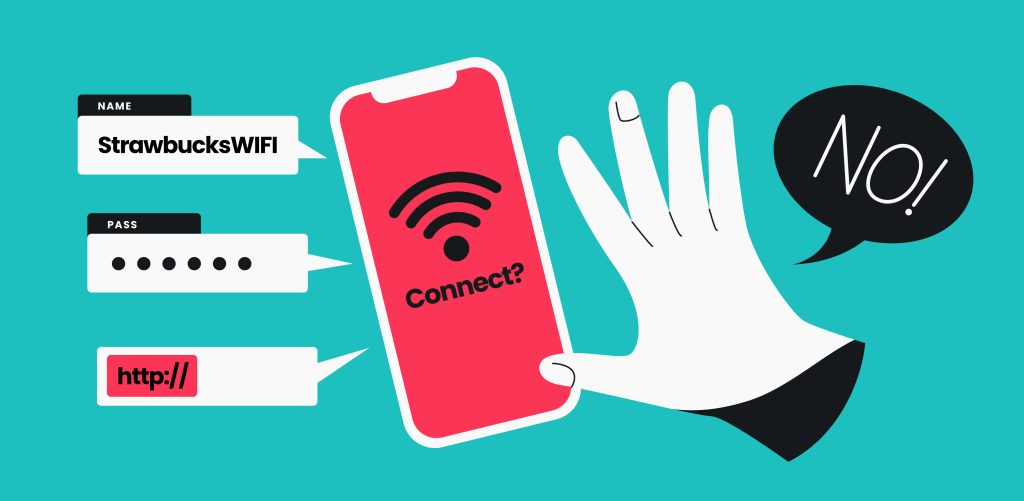
Not all public Wi-Fi networks carry the same level of risk.
Lower-risk networks:
- Password-protected hotel Wi-Fi
- Business networks with individual logins
- Networks using WPA3 encryption
High-risk networks:
- Open, password-free Wi-Fi
- Crowded public hotspots
- Unknown or suspicious network names
Still, no public Wi-Fi should ever be treated as completely secure.
What You Should Never Do on Public Wi-Fi
Avoid these activities unless you’re using strong protection:
- Online banking
- Entering credit card details
- Logging into work systems or admin panels
- Accessing sensitive documents
- Changing passwords
Even brief exposure can be enough for data theft.
How to Protect Yourself on Public Wi-Fi
Use a VPN
A VPN encrypts your internet traffic, preventing others on the network from reading it.
Check for HTTPS
Only use websites that enforce secure connections.
Disable Auto-Connect
Stop your device from automatically joining unknown networks.
Turn Off Sharing
Disable file sharing, network discovery, and AirDrop on public networks.
Prefer Mobile Data
For sensitive tasks, mobile data is usually safer than public Wi-Fi.
Keep Devices Updated
Security updates patch vulnerabilities that attackers actively exploit.
The Bottom Line
Public Wi-Fi isn’t designed to protect you—it’s designed to provide fast, easy access. That trade-off often comes at the cost of privacy and security.
Once you understand what’s happening behind the scenes, it becomes clear that public Wi-Fi should be treated like any other public space: useful, but never private.
Use it carefully, protect your data, and never assume someone else has secured the network for you.